Linux

CVS Netbook Revisited

by on Jul.25, 2011, under Embedded devices, Hardware, How-To's, Linux, Software

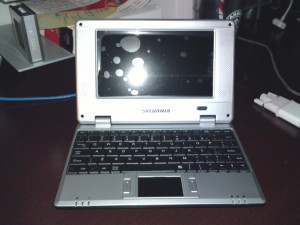
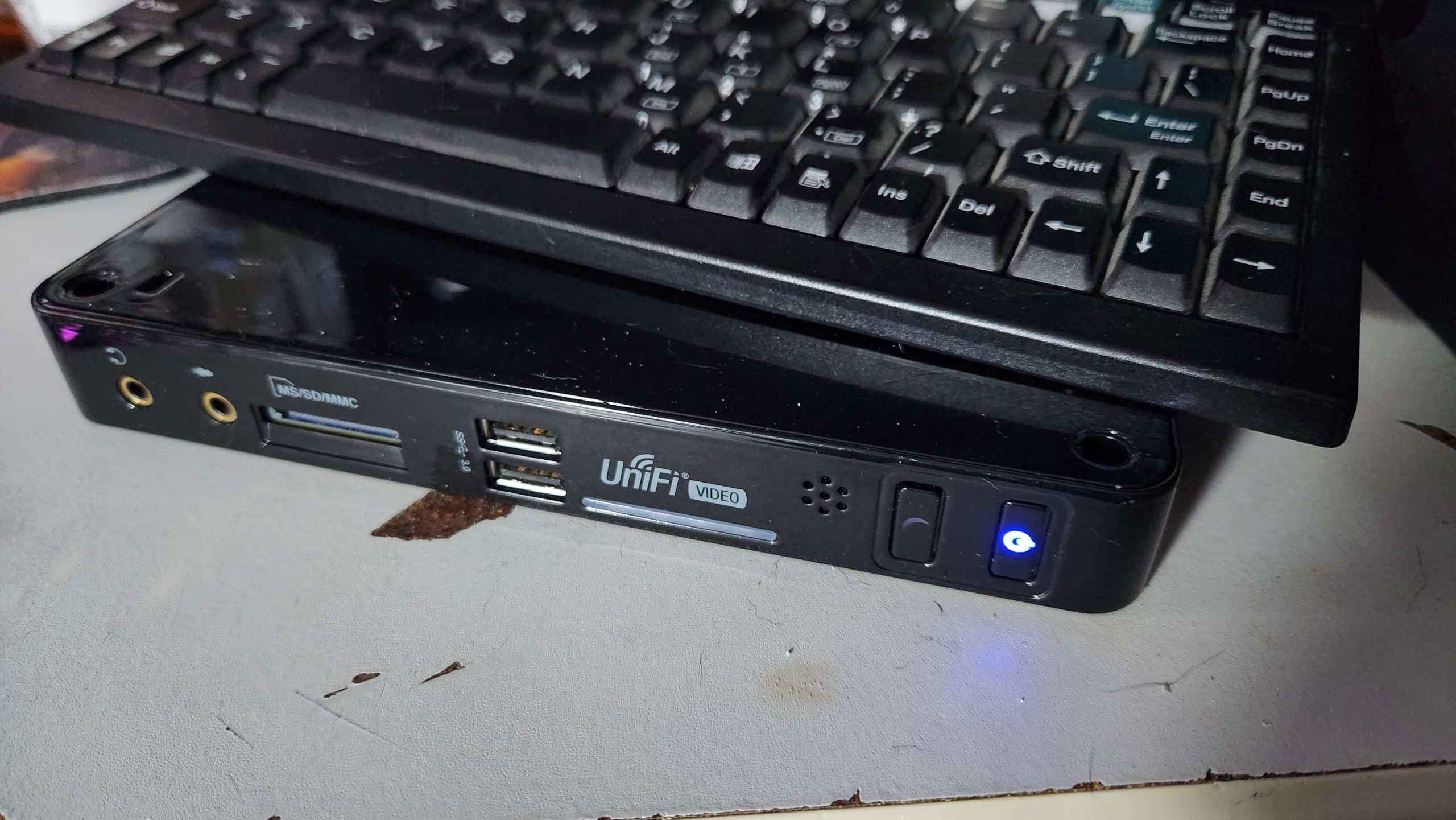
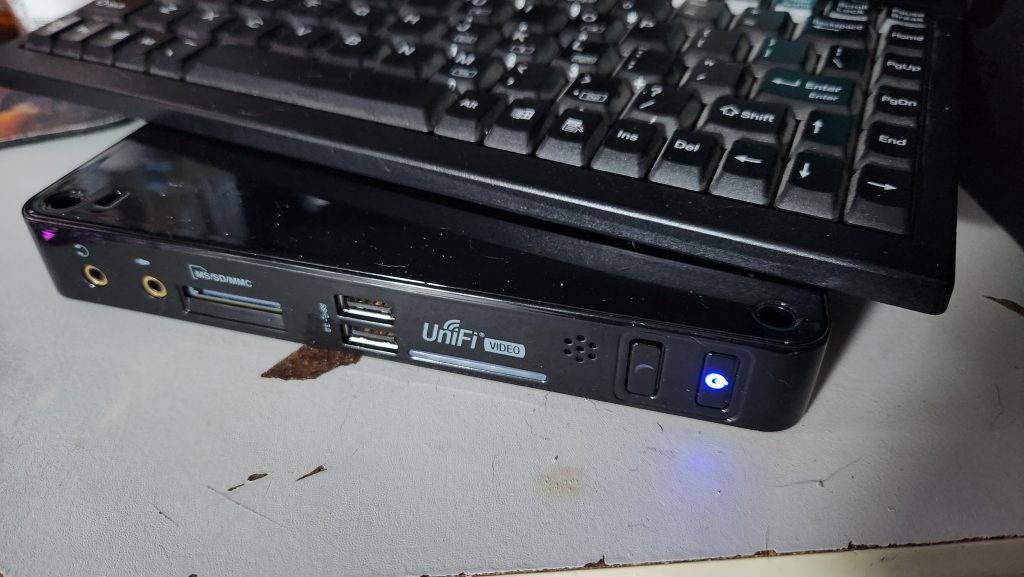
A few months ago, I posted a hardware teardown of the CVS Sylvania Netbook pictured above. After working with it and performing a lot of research on it, I promised a follow up article, and here it is.  To sum it all up, with a bit of modification to the software, a spare SD card and a lot of patience, you can actually turn this thing into a somewhat useful Linux device.  There’s also some improvements and suggestions to be had for improving the Windows CE side of things should you decide to continue using it in its default state.

(continue reading…)

30 Comments :, , , , more...

Building Snort and Nessus – Ubuntu IDS Part 3

by on May.20, 2011, under Hardware, How-To's, Linux, Security, Software


In this final article in the three part Ubuntu IDS series, we will go over installing, compiling and configuring Snort and Nessus on our new IDS device.  We will use Snort to analyze traffic as seen by the IDS and we will use Nessus to perform vulnerability testing on the network. The process for installing Snort will also cover installing SnortReport provided by Symmetrix Technologies so we can translate Snort’s cryptic messages into a more readable format that we can take action on.  Read on as we wrap up the installation and finish our IDS device.

(continue reading…)

2 Comments :, , , more...

Setting up bonding networking -Ubuntu IDS Part 2

by on May.04, 2011, under Hardware, How-To's, Linux, Security, Software

In an earlier article, I demonstrated how you can build a passive monitoring device for an Ethernet network as the first part to a three part project to build a home IDS device.  In this article, the second in the series, I will describe how to set up the networking for an IDS using the passive tap that I built earlier.This setup will involve using a technique called bonding to take two physical interfaces and bond them together, creating a logical interface that we can use for Snort.  This article will also explain where is the best location to place the tap and what you can expect to see once the networking is set up using common Linux utilities like tcpdump.

(continue reading…)

Leave a Comment :, , , more...

Build a Passive Ethernet Tap – Ubuntu IDS Part 1

by on Apr.06, 2011, under Hardware, How-To's, Linux, Security, Software

Image courtesy of forums.overclockers.co.uk

One of the things that the GCIA study has taught me is that being able to monitor the network your computer is on is a critical necessity to maintaining a secure network. Corporate environments can set up IDS devices to monitor traffic however monitoring doesn’t work unless you have proper connectivity to what you want to monitor. Unfortunately, most of us don’t have central wiring in our house and expensive managed switches that can set up span sessions with which to monitor traffic in transit.  In this HOWTO, I will cover how to build your own monitoring connection that you can use on your own network to monitor traffic without breaking the bank. This article is first in a three part series on how to build your own home IDS for monitoring your network traffic. Look for the other two sections soon!
(continue reading…)

Leave a Comment :, , , more...

Installing Minecraft Server in Ubuntu Server

by on Jan.09, 2011, under How-To's, Linux, Software

Minecraft and Ubuntu logosOk, I’ll admit it.  I’ve been caught by the Minecraft bug.  It bit me hard and of course I learned rather quickly that there is a problem with using two laptops to play Minecraft on and that is that it’s a pain in the posterior to move your save games around.  In this article, I will be covering how to install Minecraft Server on a new installation of Ubuntu 9.04LTS.  These instructions will work for all current versions of Ubuntu, so if you’re using something newer or something older, these instructions should get you up and running in no time. (continue reading…)

29 Comments :, , , , more...

Dead Dockstar Resurrected with JTAG!

by on Sep.08, 2010, under Embedded devices, Hardware, How-To's, Linux

Hey, I never said I was a graphics designer.  This was created in MS Paint after 15 minutes searching for a zombie icon and a JTAG icon or an angel I could slap JTAG over.

The reason I haven’t written any more about my fun with the Dockstar was that due to an unfortunate set of circumstances I was left with a bricked dockstar. (read: I did something stupid.)  After performing a lot of research and thanks to a bunch of people over at the PlugApps.com Forum site who helped me, I was able to get it running.  Read more for a complete list of what you will need including how to build an adapter and where to get the needed JTAG kit. (continue reading…)

17 Comments :, , , , , , more...

Hardware Porn: Seagate Dockstar teardown

by on Jul.14, 2010, under Embedded devices, Hardware Pr0n, Linux

Seagate LogoI was given a very interesting product by a friend of mine that happened to catch a good deal on woot.com a few days ago.  Apparently Seagate has made a network fileserver device for their Freeagent Go line of portable USB drives called the Freeagent DockStar. (I can only think that this is a play on Battlestar Galactica’s Baystar – a cylon “aircraft-carrier” of sorts.)  When I went to look for pictures online of the hardware, I was dismayed to find nothing about the inside of the little thing.  So here they are in all their exposed glory, the innards of the Seagate Dockstar.

(continue reading…)

12 Comments :, , , , , , more...

Android:Sprint officially releases Android 2.1 for Samsung Moment!

by on May.15, 2010, under Embedded devices, Linux, Product Reviews, Software

While writing up the review for the Samsung Moment versus the Palm Pre, I happened to find out that Sprint has now released Android 2.1 (Eclair) for the Moment.  Guess now I have to start over again, but the up side is that this is a very significant update from Samsung’s initial release, Android 1.5.

You can download the update from Sprint at http://shop.sprint.com/en/software_downloads/pda_smartphone/samsung_moment.shtml

Please note: According to the instructions available at the link above, you will need to use a Windows PC to apply the update to your phone.  I will be posting a mirror shortly and it will show up in the “Download Files” page at the top of this page.

Leave a Comment :, , , more...

Site News: I have a new toy!

by on Apr.01, 2010, under Embedded devices, Hardware, Linux, Product Reviews, Site News

Well my life has been busy as all get out and I do have a new post in the works however I’m taking a quick break because I have a new toy that makes for a far better story.

I have recently gotten my hands on a new Samsung Moment on the Sprint network. Within the next few days, I will post all the gory details from this Android n00b and will be offering a comparison against the other smartphone I have, the Palm Pre.

Leave a Comment :, , more...

Using Clonezilla to make your HD bigger

by on Dec.29, 2009, under How-To's, Linux, Software

HD upgrade

(Ok, innuendo aside…)

Well, the Christmas/Yule break is over with and it’s time to get cracking.   If you were like me this holiday season, you were either placed in the position if needing to do a hard drive upgrade for someone else or you received a new hard drive of your own that warrants upgrading.  The CloneZilla site didn’t contain very clear instructions for what to do so I decided to write this howto documenting the process. In this howto, I will cover using the free application “CloneZilla” to perform a hard drive upgrade on a test installation of Windows XP from 4GB to a 10GB drive.

(continue reading…)

12 Comments :, , , , more...